Asset lists, plans, manuals, and service records disagree or live apart.
A technician reaches the roof without the correct unit or document context.
A completed repair is difficult to defend because the technical basis is missing.
For facility teams
Give facility leaders and service partners one shared equipment view without replacing either team's work-order system.
BEFORE / AFTER
Asset lists, plans, manuals, and service records disagree or live apart.
A technician reaches the roof without the correct unit or document context.
A completed repair is difficult to defend because the technical basis is missing.
Place each commissioned asset on the site map and connect its documents.
Prepare an offline packet for the equipment and locations that matter.
Attach the verified resolution and source to the asset history.
INTERFACE DIRECTION
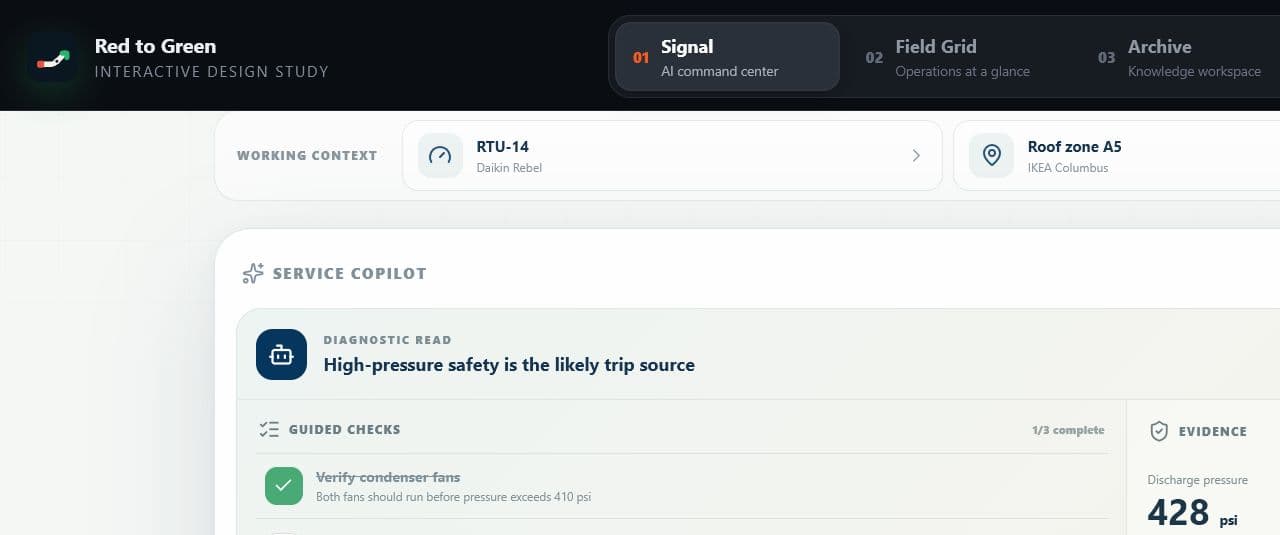
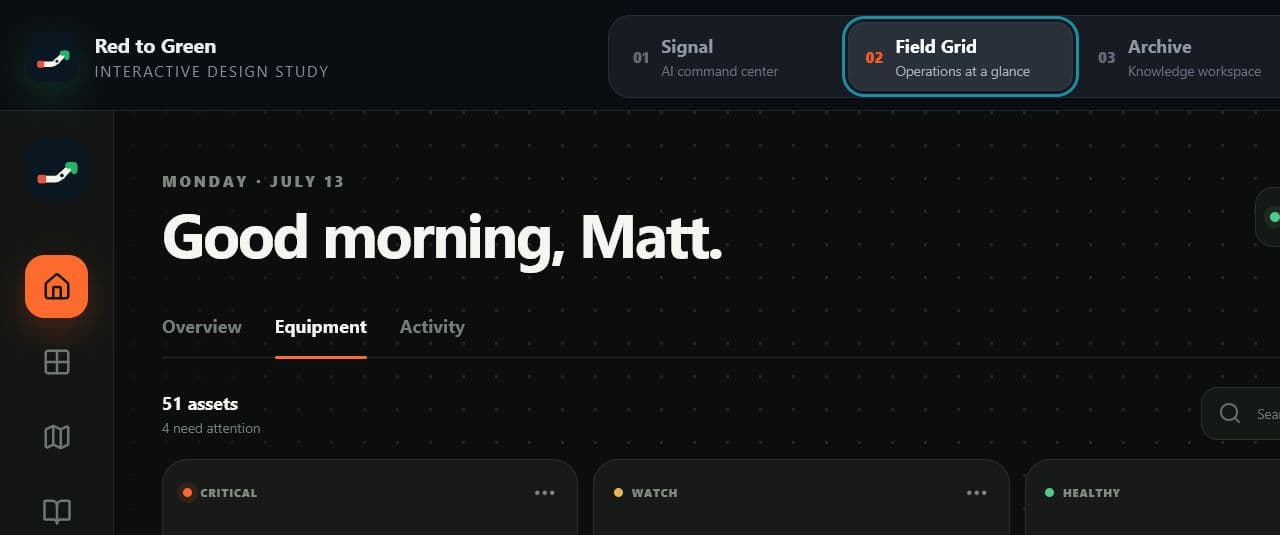
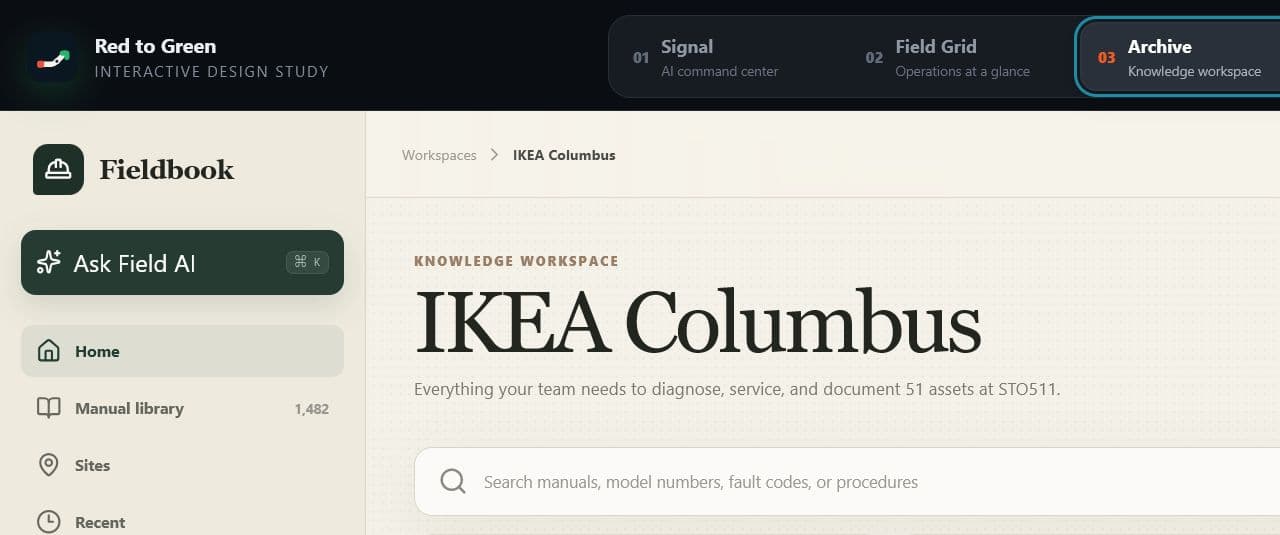
These interface studies show how equipment context, source material, and cited responses can stay connected through the workflow.
WHAT WE MEASURE
Standard commissioning has explicit inputs and acceptance criteria so a site owner can see what is configured, validated, and ready for the pilot team.
Assets validated against the accepted source register
Required documents ready before the call
Resolved work with evidence and asset context attached
QUESTIONS / ANSWERED
Straight answers about fit, coverage, rollout, and technical trust.
No. Field Intelligence supports the technical work between a service problem and the applicable procedure. It works beside a CMMS or field-service system without replacing scheduling, inventory, purchasing, payroll, or invoicing.
Commercial plans can include private manuals, asset lists, plans, and service material. Organization and site permissions keep customer-specific material scoped to the authorized team.
Customer-supplied documents and operational records remain the customer's data. Red to Green uses that material to configure, operate, secure, and support the service under the commercial agreement.
We confirm the schedule after a source audit. A standard site moves through asset import, document matching, plan setup, validation, training, and acceptance before the 45-day pilot starts. Timing depends on the quality of the asset register, the availability of manuals and plans, and any integration or cleanup work.
Standard commissioning includes asset import, document matching, up to three plan layers, a configured offline packet, validation, and two training sessions. Dirty source data, custom integrations, extensive drawing work, and additional plan layers are scoped separately.
Bring an asset register or roof plan. Define the site scope, data gaps, and acceptance criteria before work begins.